How it works
From a use case to a ready offline resource box
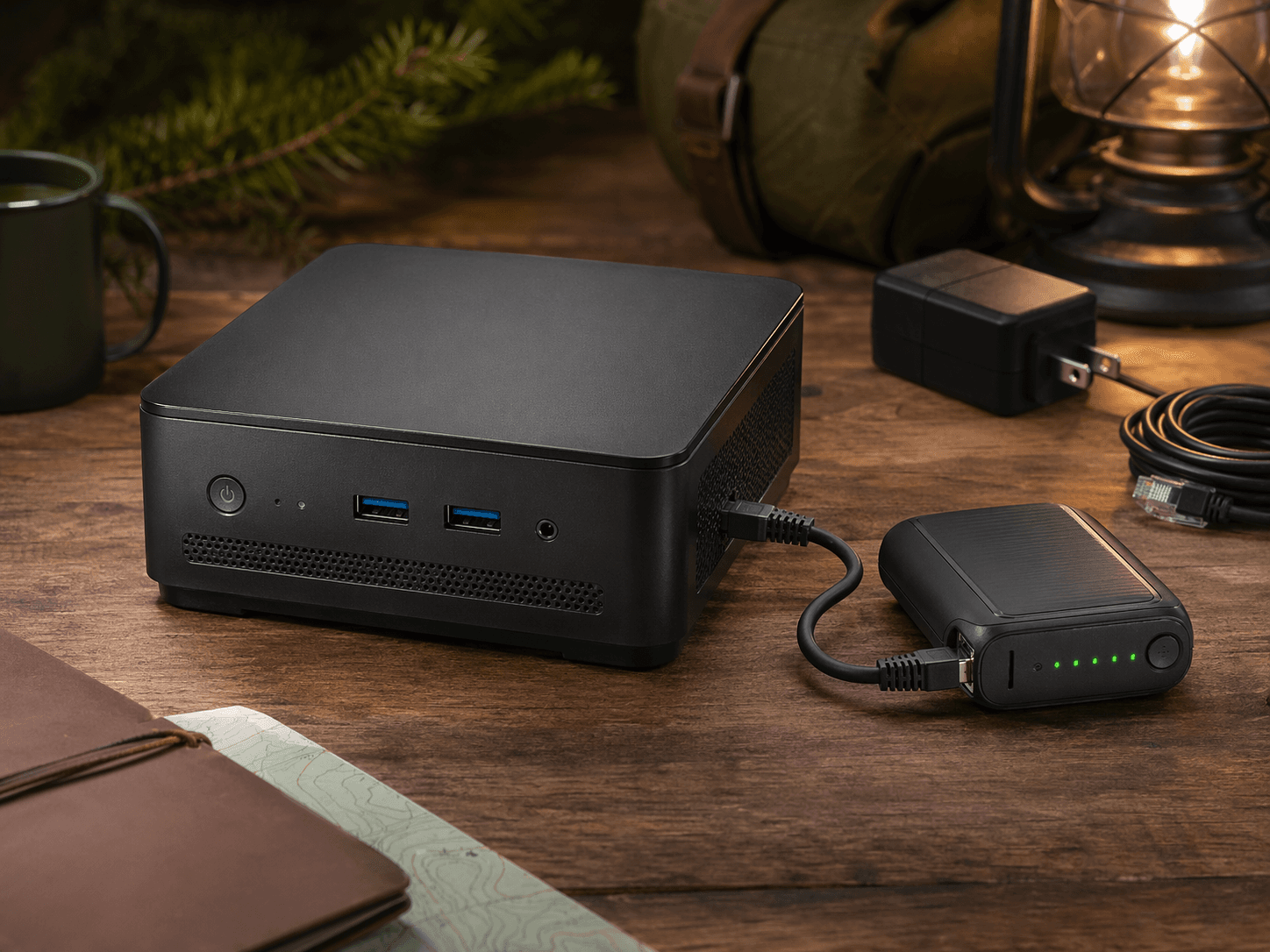
We turn the hardware and software work into a practical kit for the places people actually need it: homes, cabins, classrooms, churches, rural sites, and mobile teams.
01
Match the kit to the place
We start with the real setting: home learning, emergency backup, cabin use, a church resource table, a classroom, or a mobile field kit.
02
Prepare the appliance
We source compatible hardware, install Project NOMAD, configure local access, and prepare the selected offline content and tools.
03
Test and document
We verify that nearby devices can reach the appliance and include simple connection notes so the setup is easier to use later.
04
Use it locally
Power it on, connect nearby phones, tablets, or laptops, and access loaded content without relying on outside internet.
Self-hosting remains available
Official installation and self-hosting docs are available from the Project NOMAD website and GitHub repository. Want to build your own? Visit the official Project NOMAD site, review the hardware guide, and use the community resources for the latest compatibility and troubleshooting information. Our service is for customers who want a prepared system, documentation, and support instead of starting from scratch.
Ready for a practical offline resource box?
Tell us who will use it, where it will live, what content matters, and whether you want the portable router bundle. We will recommend a practical configuration.